Uneekor Eye XO2 Golf Simulator
✓ Free Shipping - On most Uneekor Products
✓ In Stock - Orders leave the warehouse in 3 - 5 business days
✓ Get Expert Help (619) 927-6193
✓ Free Shipping - On most Uneekor Products
✓ In Stock - Orders leave the warehouse in 3 - 5 business days
✓ Get Expert Help (619) 927-6193
Uneekor Eye XO2 Golf Simulator | Overhead Golf Simulator for Home & Commercial | EYX-SNS-002
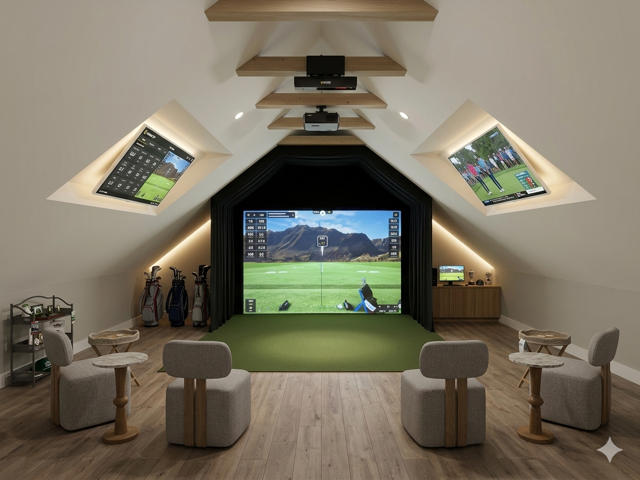
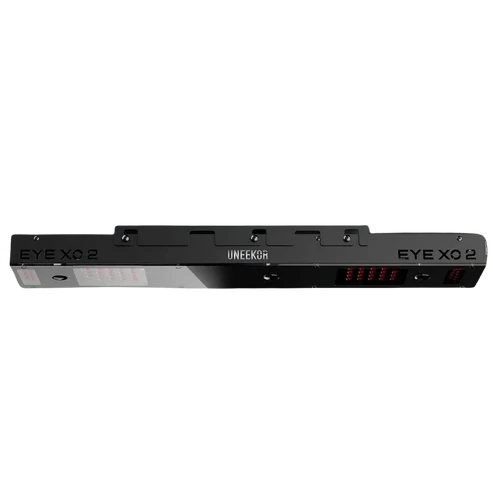
Create the ultimate indoor golf simulator experience with the Uneekor EYE XO2. Designed for premium home studios, coaching spaces, and commercial simulator rooms, the EYE XO2 delivers powerful ball and club data from a clean overhead setup that keeps your hitting area completely open.
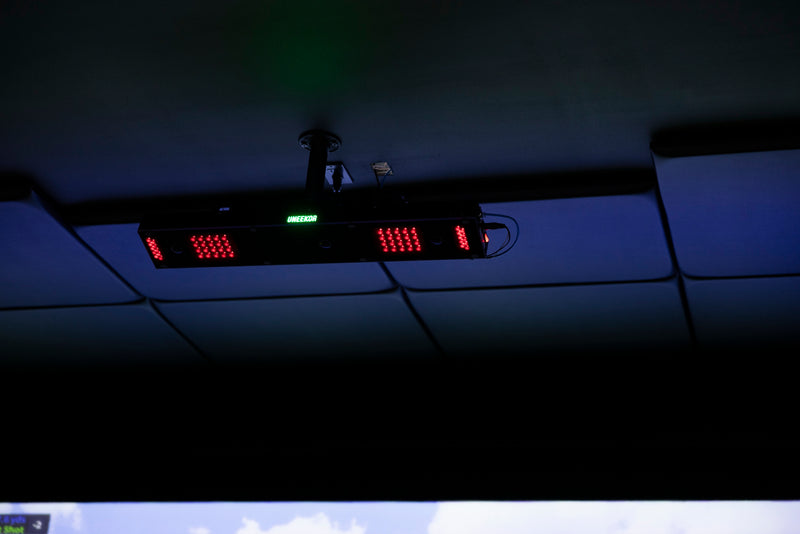
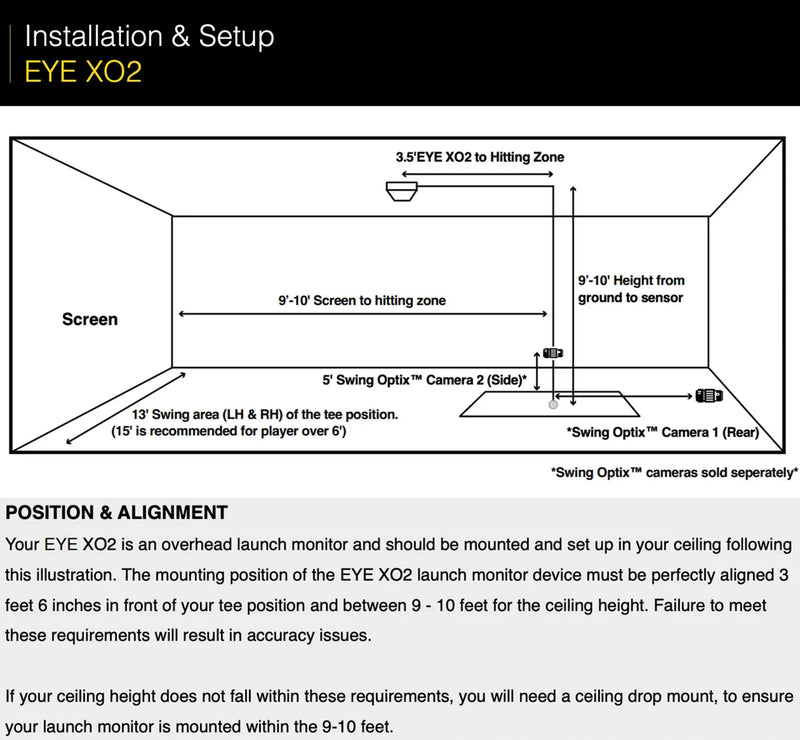
With three high speed infrared cameras and Uneekor’s largest hitting zone, the EYE XO2 gives golfers more room to swing, practice, and play with confidence. Its expanded hitting area is ideal for shared simulator spaces, making it easier for both right and left handed golfers to use the same setup without constantly moving equipment.
Dimple Optix® technology tracks the ball through impact using the dimples of the golf ball, giving you detailed speed, launch, spin, and flight data without requiring special marked balls. Club Optix® adds visual impact feedback so you can better understand club delivery, strike quality, and swing tendencies.
From serious game improvement to full simulator gameplay, the Uneekor EYE XO2 gives you the data, visual feedback, and premium overhead performance needed to build a professional level indoor golf experience.
Upgrade your space with a launch monitor built for golfers who want more room, more data, and a more complete simulator setup.
Uneekor is a premium golf technology brand specializing in launch monitors, golf simulator systems, swing analysis, and performance tracking. The brand is known for high speed camera technology that captures detailed ball and club data for golfers who want more than basic distance measurements.
Uneekor products are designed for home golf simulators, serious practice, coaching, club fitting, and commercial golf environments. Their lineup includes portable systems as well as permanently installed launch monitors for dedicated simulator rooms.
What you need depends on the Uneekor model and how you plan to use it.
Most Uneekor launch monitors are designed to connect directly to a compatible Windows PC and require Uneekor software, a stable internet connection, and proper installation within the recommended hitting area. The EYE MINI offers additional flexibility and can also be used as a standalone launch monitor or with a compatible iPad.
If you want to turn your launch monitor into a complete golf simulator, you will typically also need an impact screen, enclosure, hitting mat, projector or display, and compatible golf simulator software.
A Uneekor launch monitor is the tracking technology that measures your golf shot. It captures information such as ball speed, launch conditions, spin, carry distance, and depending on the model, detailed club data.
A Uneekor golf simulator is the complete playing environment built around that launch monitor. A simulator setup can include the launch monitor, impact screen, enclosure, hitting mat, projector, computer, and golf simulation software.
Think of the launch monitor as the technology that tracks the shot, while the golf simulator uses that data to create the full indoor golf experience.
Uneekor launch monitors differ mainly in installation style, hitting area, portability, club data, and the type of simulator room they are designed for.
Portable and floor based systems are useful for golfers who want flexibility or may move their launch monitor between different locations. Overhead and rear mounted systems are designed for more permanent simulator installations and keep the tracking equipment away from the hitting area.
The best model for you depends on your available room, budget, desired performance data, right and left handed use, and whether you want a portable setup or a dedicated golf simulator.
For most Uneekor simulator setups, you will need a compatible Windows PC and Uneekor software. The computer requirements depend on the software you plan to run and the level of graphics performance you want.
Golfers who want to use compatible third party simulator software such as GSPro or E6 Connect may also need the appropriate Uneekor software plan and a more powerful computer.
If you are unsure whether your current computer, room, or simulator equipment is compatible, Elite Swing Studio can help you determine what is needed before you purchase.
{"one"=>"Select 2 or 3 items to compare", "other"=>"{{ count }} of 3 items selected"}