Golf Launch Monitor Comparison: Ceiling Mounted vs Floor & Portable
THE ELITE SWING STUDIO BUYING GUIDE
The best launch monitor for your home golf simulator depends on where you will practice, how much room you have and whether the equipment needs to move. Start by choosing between a permanent ceiling mounted system and a floor mounted or portable device. Then compare the models within that group.
This guide separates eight launch monitors from Elite Swing Studio's ceiling mounted and floor and portable ranges into two comparisons. Each table covers room requirements, portability, software costs, included equipment and limitations. Below each chart, you can read about the related products and the decisions that matter before ordering.
These are launch monitor comparisons, not complete simulator package comparisons. A screen, enclosure, full hitting mat, projector, computer and installation are included only when the specific package says so. Specifications and software terms reviewed October 5, 2026; promotions and renewal terms can change.
Section 1: Ceiling mounted golf launch monitors
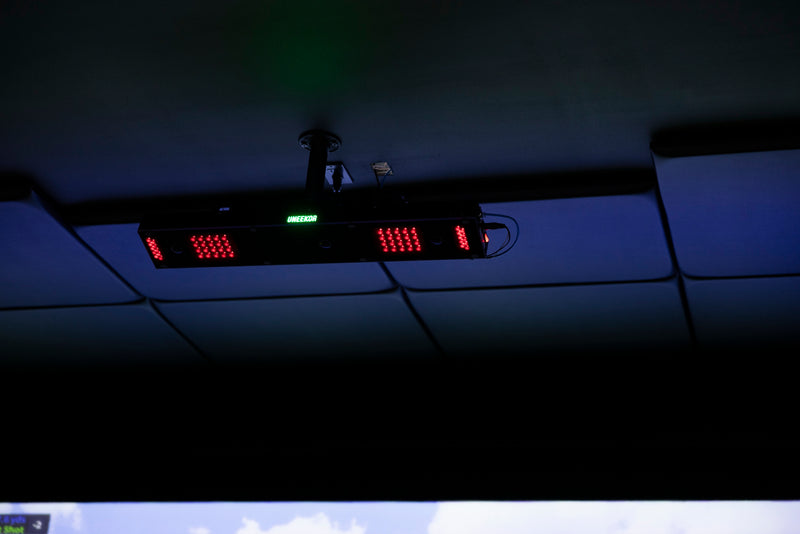
A ceiling mounted launch monitor suits a dedicated indoor golf simulator room where the tracking hardware can stay in place. Overhead placement keeps the unit away from the floor and can make shared right and left handed play easier. Installation still needs careful planning: ceiling height, hitting position, screen clearance, projector placement and cable routes must work together.
Compare Uneekor EYE XO2, EYE XO, EYE XR and TruGolf APOGEE below. The main differences include front versus rear mounting, the supported hitting area, club tracking workflow and software ecosystem. None of these models is designed to travel to the driving range.
Compare
Uneekor EYE XO2
Uneekor EYE XO
Uneekor EYE XR
TruGolf APOGEE
Room requirementsManufacturer guidance; verify your swing clearance
13 ft W × 16 ft D × 10 ft H recommended.
13 ft W × 16 ft D × 10 ft H recommended.
13 ft W × 16 ft D × 10 ft H recommended; rear mount.
15 ft width and 9 to 10 ft height recommended; confirm depth and mounting layout.
PortabilityInstallation style
Fixed; front overhead.
Fixed; front overhead.
Fixed; rear overhead.
Fixed; ceiling mounted.
Software costsIncluded access and ongoing costs
Player included. Pro $199/year for third party connector; external license extra.
Player included. Pro $199/year for third party connector; external license extra.
Player included. Pro $199/year for third party connector; external license extra.
E6 ENJOY subscription listed with unit. Confirm included term and renewal cost; other licenses extra.
Included equipmentTracking hardware, not a complete room
Unit, bracket, calibration board, cables, stickers, sand/rough trouble mat.
Unit, bracket, calibration board, cables, club stickers. Check current camera promotion.
Unit, bracket, calibration board, PoE adapter and cables. Check AI Studio bundle for cameras.
Unit, ceiling mount/hardware, calibration template, laser level, power and CAT6 cables.
LimitationsWhat to plan around
Windows PC and installation required; larger hitting zone still needs safe room clearance.
Windows PC required; smaller hitting zone than XO2; no trouble mat support.
Windows PC required; rear mounting position must fit room; no trouble mat support.
Indoor installation and compatible computing required; confirm software plan and renewal terms.
Room recommendations are starting points, not a guarantee of safe fit. Measure from the finished hitting surface and check clearance for every golfer and club. On mobile, swipe across the table to see all four products.
Uneekor EYE XO2
Uneekor EYE XO2 uses three cameras and an expanded 28 × 21 inch hitting zone in a front overhead installation. It also supports the included sand and rough trouble mat. Compare it with EYE XO if hitting area flexibility and different simulated lies are important to your home golf simulator.
EYE XO2 is a fixed overhead system. The surrounding simulator equipment is separate unless listed in a package.
Uneekor recommends a 13 foot wide, 16 foot deep, 10 foot high room. A compatible Windows PC is required. Player software is included; Pro adds third party connectivity at $199 per year, with separate course software costs where applicable. The larger tracking area does not replace a room fit check. Review the manufacturer specifications and your intended software before deciding.
Uneekor EYE XO
Uneekor EYE XO is a front overhead option with two cameras and a 16 × 12 inch hitting zone. It is useful to compare directly with XO2 when you want a permanent indoor setup and need to decide whether a larger hitting zone and trouble mat support justify the difference in equipment cost.
Room guidance is 13 feet wide, 16 feet deep and 10 feet high. Budget for a compatible Windows PC and the software tier your intended play requires. Player is included, while Pro is $199 annually for the third party connector. XO does not support the trouble mat. Check the exact retailer inclusions and any current Swing Optix promotion separately from the standard hardware list. See the official EYE XO specifications.
Uneekor EYE XR
Uneekor EYE XR mounts overhead behind the golfer. Its Club AI tracking does not require club stickers, making it a distinct alternative to the front mounted XO models. Compare the rear mounting position with your room layout before comparing individual features.
Uneekor recommends 13 feet of width, 16 feet of depth and 10 feet of height. A Windows PC is required, and the standard hardware includes a PoE adapter and installation accessories. Player is included; Pro is $199 per year for third party connectivity. Swing Optix cameras and one year of AI Trainer are associated with the AI Studio bundle, so confirm which configuration you are buying. XR does not support the trouble mat. Check the manufacturer's configuration details.
TruGolf APOGEE
TruGolf APOGEE combines overhead shot tracking with impact replay, voice commands and a laser ball placement guide. It reads standard golf balls and club data without specialty balls or marked clubs. Compare APOGEE with the Uneekor options when the E6 experience and daily interaction with the simulator are priorities.
The store recommends 15 feet of width and 9 to 10 feet of height; confirm room depth and the exact mounting layout before purchasing. The product listing includes an E6 ENJOY subscription, but its included duration and renewal charge need confirmation for your order. Ask for the software terms alongside the hardware quote. The monitor and mounting accessories do not make this a complete simulator room. See TruGolf's APOGEE overview.
How to compare the ceiling mounted models
Start with the mounting location. A room that accommodates a front overhead monitor may need a different plan for a rear mounted unit. Mark your intended tee position, ceiling beams, projector and screen on a drawing before choosing the device. For a shared simulator, check whether both right and left handed players can use that hitting position comfortably.
Next, compare the features you will actually use: the supported hitting zone, impact replay, club data workflow and virtual golf software. Ask for two itemized quotes using the same screen, mat, computer and installation assumptions. This makes the cost comparison useful and prevents optional cameras or promotional software from being mistaken for permanent standard inclusions.
Section 2: Floor mounted and portable launch monitors
Floor mounted and portable launch monitors suit a different set of needs. Some sit beside the ball and read the impact area; others sit behind the hitting position and need a defined flight corridor. A device's physical size alone does not tell you how small its indoor golf simulator room can be.
Compare Uneekor EYE MINI, EYE MINI LITE, FlightScope Mevo Gen2 and FlightScope X3C below. EYE MINI LITE belongs in the floor mounted group but is indoor only and wired. The other three offer portable indoor and outdoor use. This distinction matters if your garage or spare room needs to serve other purposes between practice sessions.
Compare
Uneekor EYE MINI
Uneekor EYE MINI LITE
FlightScope Mevo Gen2
FlightScope X3C
Room requirementsTracking layout plus safe swing space
Beside the ball. Allow safe driver clearance and correct alignment.
Beside the ball. Allow safe driver clearance; route power and data cables.
7 to 9 ft behind ball + at least 8 ft ball flight indoors; add clearances.
8 to 10 ft behind tee + at least 8 ft ball flight indoors; add clearances.
PortabilityIndoor and outdoor use
Portable; battery, built in display, indoor/outdoor.
Indoor only; wired power and PC; no battery portability.
Portable; battery powered; indoor/outdoor.
Portable; battery powered; indoor/outdoor.
Software costsIncluded access and optional upgrades
Player included. Pro $199/year for third party connector; external license extra.
Player included. Pro $199/year for third party connector; external license extra.
Core apps and 8 E6 courses included; no core subscription. Optional upgrades extra.
Radar tracking distances are not total room dimensions. Add screen to wall clearance, the enclosure footprint, access space and safe swing clearance. Confirm software platform support for the exact included license.
Uneekor EYE MINI
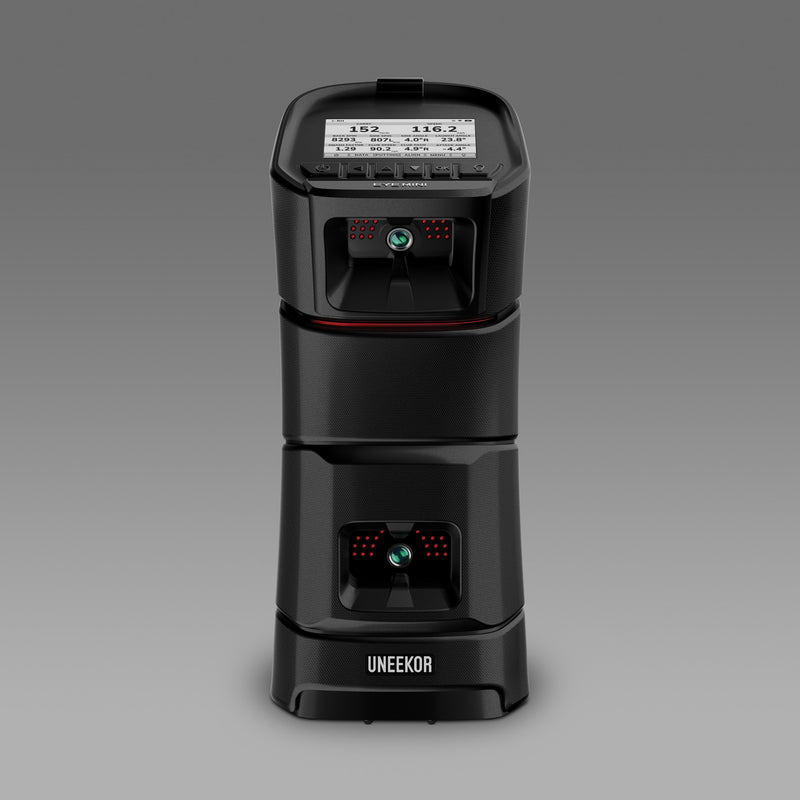
Uneekor EYE MINI is a portable camera based launch monitor with battery power and an on unit display. It can move between indoor practice and outdoor sessions, with compatible iPad practice support. Compare it with MINI LITE when portability and practice away from a fixed PC matter.
EYE MINI adds battery powered portability and an on unit display.
The box includes a case, alignment accessories, power and Ethernet cables, and club stickers. Player is included; third party connectivity requires Pro or higher, starting at $199 per year. Set the monitor on the appropriate side for the golfer and check alignment when moving it. Simulator software and computing requirements differ from standalone practice. Review the official EYE MINI features and software.
Uneekor EYE MINI LITE
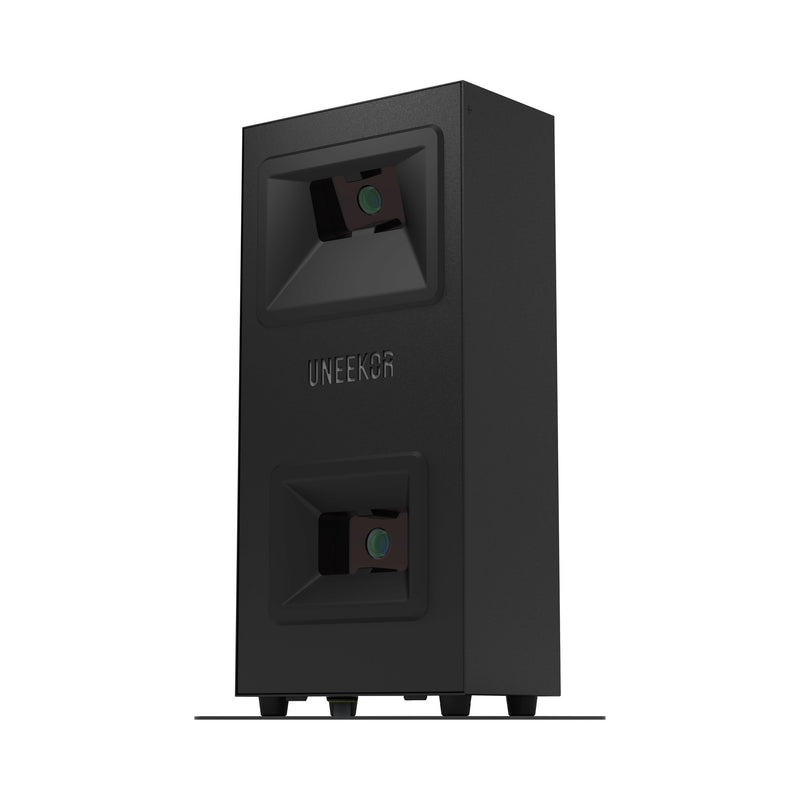
Uneekor EYE MINI LITE is a wired, indoor only floor mounted launch monitor. It is worth comparing with EYE MINI for a home golf simulator that stays in one room. Choose your location first, then plan the PC, power connection and Ethernet route around the hitting area.
EYE MINI LITE uses wired power and a compatible PC for indoor practice.
Player software is included; Pro is $199 annually for third party connectivity, with external software licenses additional. The unit includes connection accessories and club stickers, but does not include a complete screen and projector setup. It lacks the battery powered range portability of EYE MINI. Allow safe driver clearance and keep cables outside the swing and walking paths. Check the manufacturer setup requirements.
FlightScope Mevo Gen2
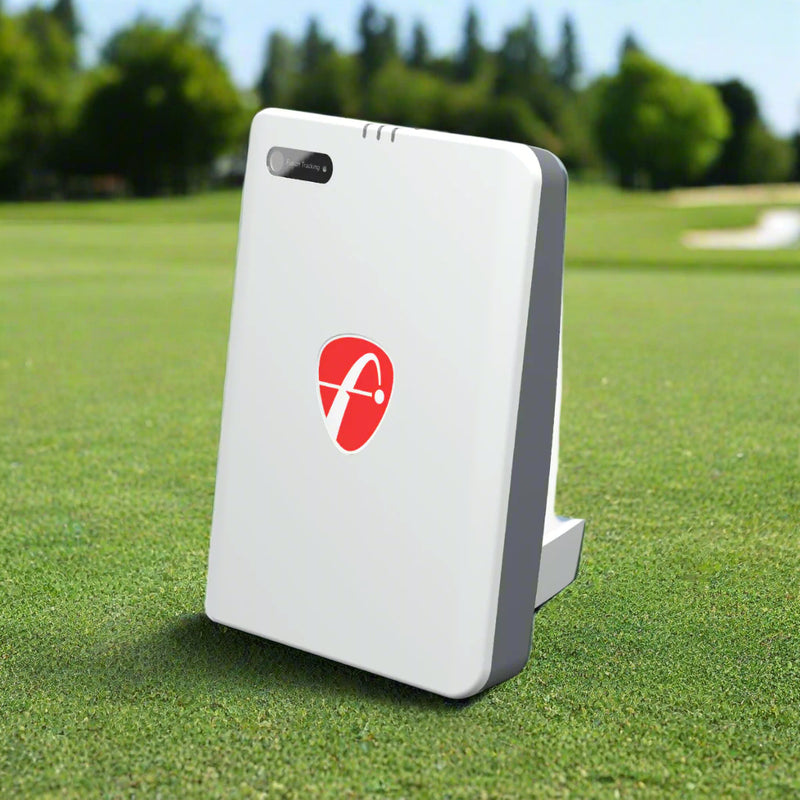
FlightScope Mevo Gen2 is a portable indoor and outdoor launch monitor that combines radar and optical tracking. It is useful to compare with the camera based floor models when outdoor practice matters and your indoor space can accommodate a behind the ball tracking layout.
Mevo Gen2 can travel to outdoor practice; indoor use needs the specified tracking distances.
For limited flight indoor use, plan 7 to 9 feet behind the ball and at least 8 feet of ball flight, plus room clearances. Core practice apps and eight E6 courses are included without a recurring core subscription. Optional upgrades and other simulator licenses add cost. Indoor spin measurement requires aluminum dots or compatible RCT balls. Review the official Mevo Gen2 setup and software details.
FlightScope X3C
FlightScope X3C is a portable tracking radar system offering a broad set of ball and club measurements for practice, coaching and fitting. Compare it with Mevo Gen2 by identifying the data and workflow you need, rather than assuming that more measurements automatically produce better practice.
Indoor guidance calls for 8 to 10 feet behind the tee and at least 8 feet of ball flight. The hardware list includes a case, connection cables, power adapter, aluminum ball stickers and tape measure. A 12 course E6 license is listed; confirm the supported platform and any additional software costs with your order. Indoor ball preparation and alignment still matter. See the official X3C specifications and included equipment.
How to compare floor mounted and portable models
Decide whether you need to take the monitor outside. If you do, consider how often you will carry it, charge it and reset its alignment. If you practice only at home, a wired system may suit your routine, provided you have a permanent place for the computer and safe cable routes.
For a garage golf simulator, measure the usable room with the garage door and tracks in their normal positions. Behind the ball systems need tracking depth as well as swing clearance. Beside the ball systems need a suitable position next to the tee. Neither arrangement removes the need for a safe impact surface and sufficient space for your longest club.
Ceiling mounted vs floor and portable: which layout fits your home?
Choose a ceiling mounted layout when your priority is a dedicated room with tracking equipment installed overhead. Choose a portable layout when practice at multiple locations is part of your routine. A floor mounted indoor system can be a third practical approach when you want a fixed home setup without mounting the launch monitor to the ceiling.
To compare the two groups fairly, build a complete budget. Include the monitor, screen or net, enclosure where needed, hitting mat, projector or display, compatible computer, software and installation. Separate one time equipment costs from annual memberships. An inexpensive monitor can still require a substantial room build, while a software bundle can change the overall cost of a higher priced device.
Launch monitor only vs complete simulator package
A launch monitor measures the shot; a complete simulator package groups the equipment used to build the playing environment. Read the inclusion list instead of relying on the product photograph. A standalone unit may be photographed in a finished room without including the screen, projector or mat shown.
Launch monitor only: tracking unit and the accessories explicitly listed for that model.
Simulator package: selected equipment bundled together; confirm whether the PC, projector, software and installation are included.
Recurring costs: software memberships, course licenses or optional services that renew after the initial term.
Before ordering, ask for a written equipment list and software schedule. Compare each setup over three years using the same assumptions. Confirm whether a temporary promotion expires and what you will pay afterward.
Frequently asked questions
What is the best launch monitor for an indoor golf simulator?
The right choice depends on room fit, installation preference, software and how you practice. Compare ceiling mounted models for a permanent room, then compare floor mounted and portable models if movement between spaces matters. There is no single winner for every home.
Which type is better for a small simulator room?
Compare the tracking layout with your actual dimensions. A camera based monitor may avoid a long behind the ball tracking corridor, but you still need safe swing clearance and adequate screen space. Verify the manufacturer's installation requirements before buying.
Can left and right handed golfers share the setup?
Overhead placement can simplify shared play because the monitor stays installed. With a beside the ball model, plan its position for each golfer. With a behind the ball system, check alignment and the tee location. Room width must accommodate both swings.
Does portable mean I can use it outdoors?
Check the exact model. EYE MINI, Mevo Gen2 and X3C support indoor and outdoor use. EYE MINI LITE is floor mounted but designed for wired indoor use. Installation style and outdoor compatibility are separate questions.
Do all launch monitors need an annual subscription?
No. Included practice tools and paid simulation features differ by brand and model. Uneekor includes Player, while third party connectivity requires a paid tier. Mevo Gen2 includes its core apps and course bundle without a core subscription. Confirm your chosen software's terms separately.
Plan your golf simulator with Elite Swing Studio
Bring your room dimensions, practice goals and total budget to the comparison. Include finished ceiling height, door tracks, beams, lights, intended tee position and whether the room needs to accommodate both handednesses. Those details help narrow the options before you commit to hardware.