Choosing between the EYE MINI LITE and EYE XO2 starts with the room you actually have. Both can form the center of a dedicated indoor golf setup, but they ask different things of your floor plan. One sits beside the ball. The other becomes part of the overhead installation. That difference matters every time you step onto the mat.
This guide focuses on the practical decision: where the equipment goes, who will use it, and which setup makes sense for your space. Paying more only makes sense when the additional features solve a problem you care about.
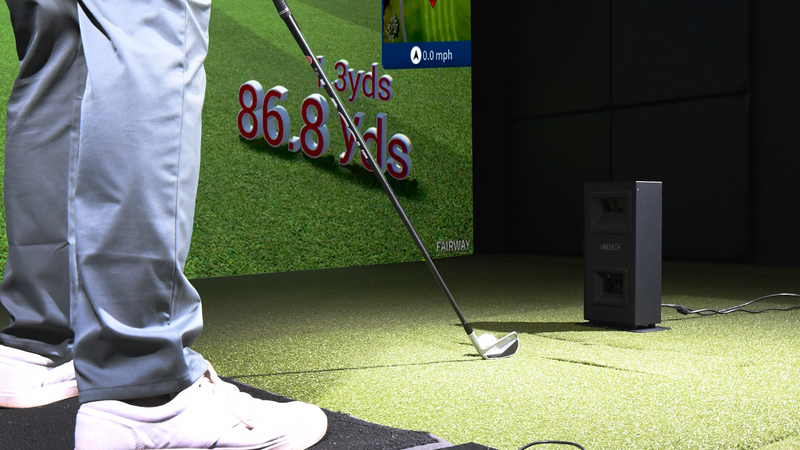
Start With Where the Launch Monitor Goes
The EYE MINI LITE is an indoor ground unit with a 12 × 8 inch hitting zone. It needs power and an Ethernet connection to a compatible PC. The EYE XO2 mounts overhead and provides a 28 × 21 inch hitting zone. Both require a PC. These are the current manufacturer specifications, available on Uneekor’s EYE MINI LITE and EYE XO2 pages.
Think about daily use as well as installation day. A floor unit needs a protected position beside the hitting area and a sensible cable route. An overhead unit needs a suitable mounting location and a planned relationship between the sensor, tee position, screen, and projector.
When EYE MINI LITE Is the Better Fit
Consider EYE MINI LITE when your priority is a dedicated practice setup without a ceiling mounted sensor. It is especially worth considering for a regular player who will use the same hitting position each session. The money you retain can support a better mat, computer, or room finish.
It is not a shortcut around swing clearance. You still need room for your stance, backswing, follow through, and the enclosure’s actual outside dimensions. A smaller device does not make a cramped room suitable for a full driver swing.
When EYE XO2 Is Worth Considering
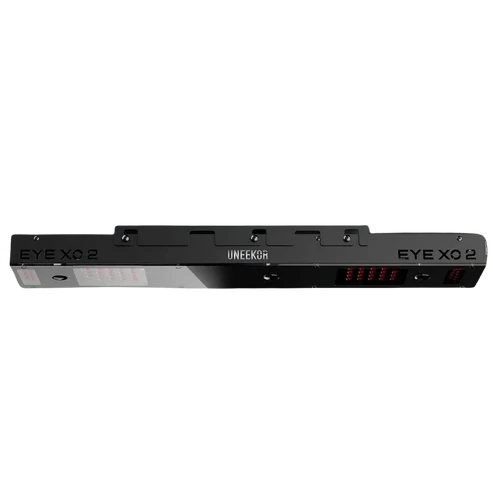
EYE XO2 deserves a closer look when you are planning a permanent studio or expect both right and left handed golfers to play. Its overhead placement avoids moving a floor sensor from one side of the ball to the other. You still need sufficient swing room on both sides.
Uneekor’s EYE XO2 installation manual specifies a sensor height of 9 to 10 feet and placement 3 feet 6 inches in front of the tee position. A higher ceiling can require an appropriate drop mounting solution. Confirm the current instructions against your finished floor and mat height before planning the installation.
Measure the Whole Setup
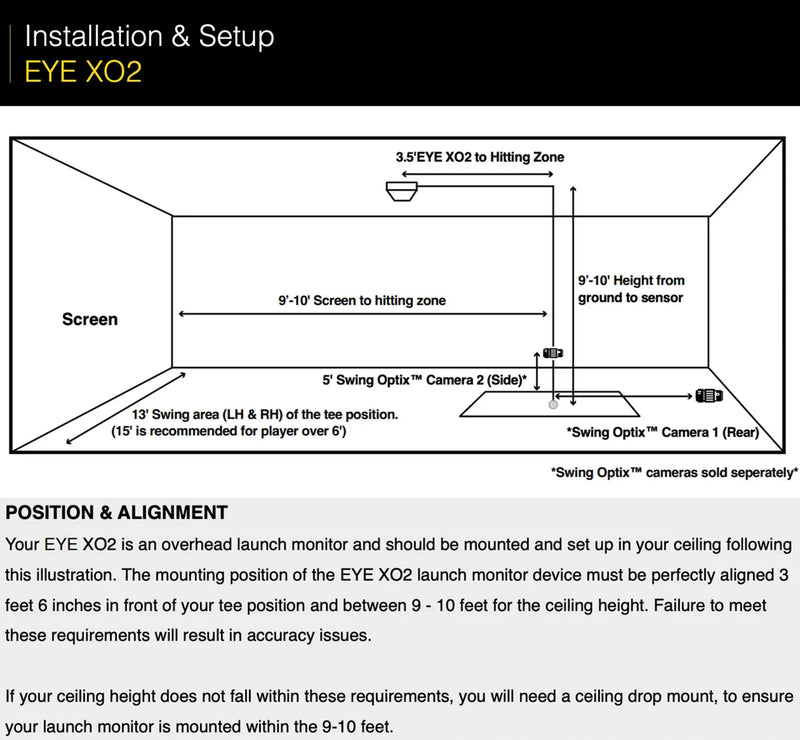
Mark the proposed tee position before choosing your enclosure size. Measure usable width at that point, clearance above the mat, distance to the screen, and space behind the golfer. Include garage door tracks, beams, lights, storage, and doors that open into the area.
Also check the enclosure’s footprint separately from the launch monitor’s requirements. A room that suits a sensor may not fit the larger enclosure you want. Nominal screen dimensions are not the outside dimensions of the assembled frame.
Compare Packages Without Losing Sight of the Room
Our EYE MINI LITE Pro Golf Simulator Package pairs a Pro enclosure with a selectable Country Club Elite mat size. The EYE XO2 Curved Golf Studio Package uses a curved enclosure and a fixed 6 × 10 ft HotShot mat system. Those choices affect the room independently of the launch monitor.
Choose EYE MINI LITE when its placement and practice setup meet your needs. Consider EYE XO2 when overhead placement and shared use justify the larger investment. Neither package includes every room preparation expense, so review the included items and requirements before deciding.
Final Thoughts
The right studio starts with a clear plan for your space and how you want to play. Call (619) 927-6193 or email info@eliteswingstudio.com with your room measurements, player preferences, and budget. We can help you compare the options before you order.


